> For the complete documentation index, see [llms.txt](https://docs.libertyswap.finance/llms.txt). Markdown versions of documentation pages are available by appending `.md` to page URLs; this page is available as [Markdown](https://docs.libertyswap.finance/zkx-wallet/user-manual/managing-networks.md).
# Managing networks
By default, ZKX Wallet displays all your assets across all supported networks in a unified view.
To switch networks:
1. On the main interface, click the **“All Networks”** selector located on the right side.
2. Choose your desired network from the list.
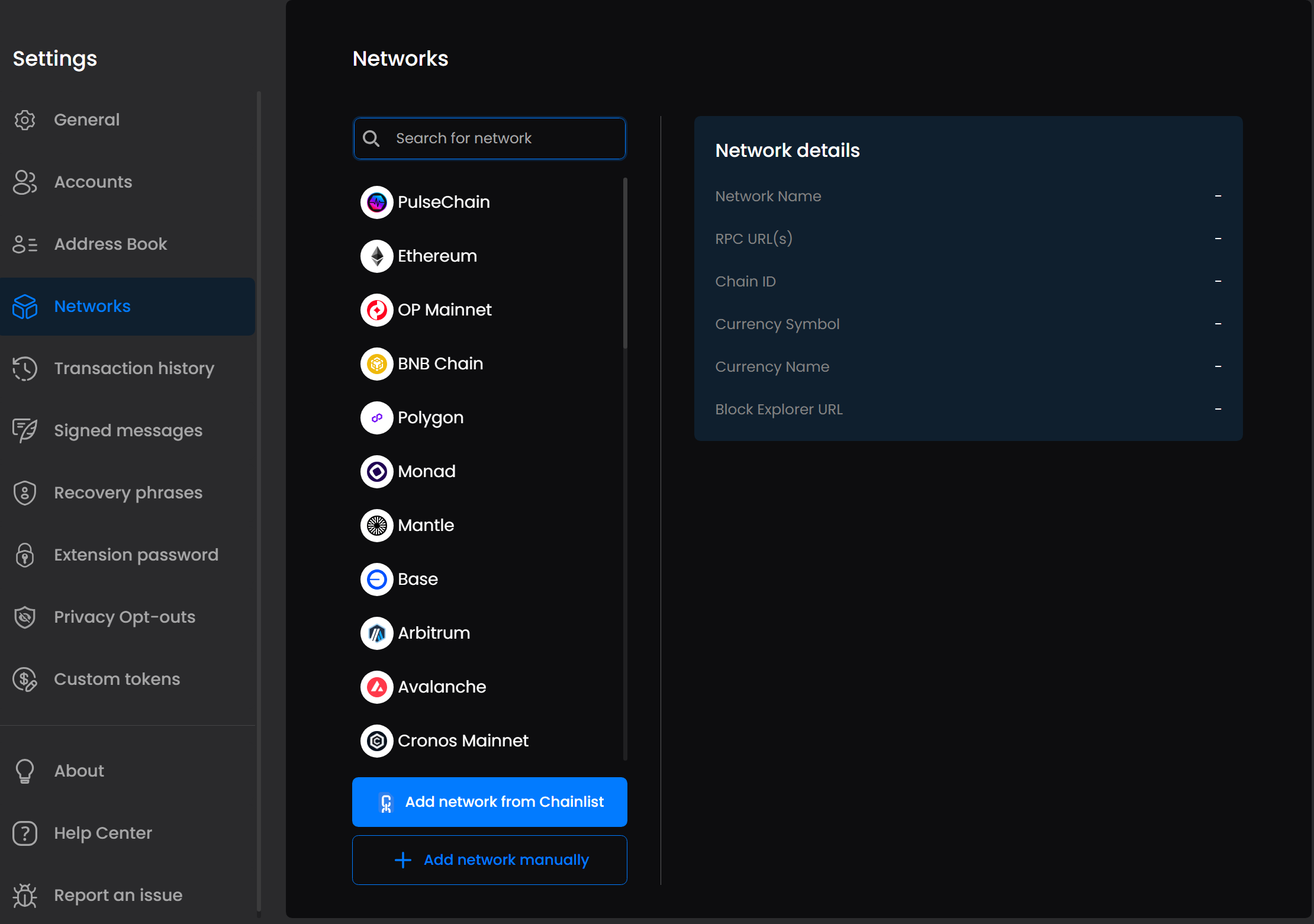
ZKX Wallet also allows you to add custom EVM-compatible networks:
* Click **Add New Network**.
* Select **Go to Chainlist** to quickly add networks from a curated list.
* Select **Go to Settings** if you prefer to manually add a network using custom RPC details.
This flexibility ensures you can easily manage assets across multiple blockchain environments.